Problem Description
When using pip to install a Python library in cmd, the following error appeared:
Failed to establish a new connection: [WinError 10061] No connection could be made because the target machine actively refused it.'))'
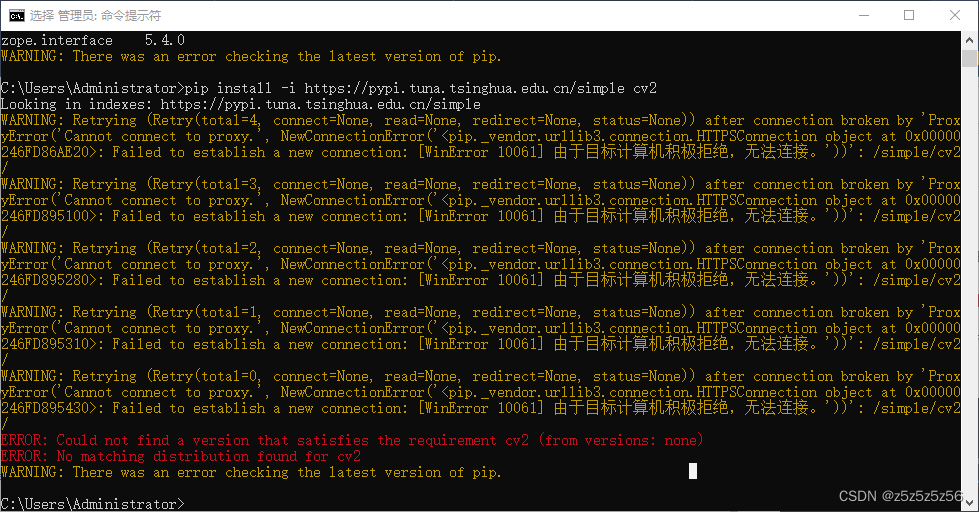
WinError 10061 "connection refused" when running pip install
Solution
This is a network issue — in my case, a software had automatically enabled the system proxy settings.
Search for "proxy" in the taskbar, open the settings, and turn off the proxy.
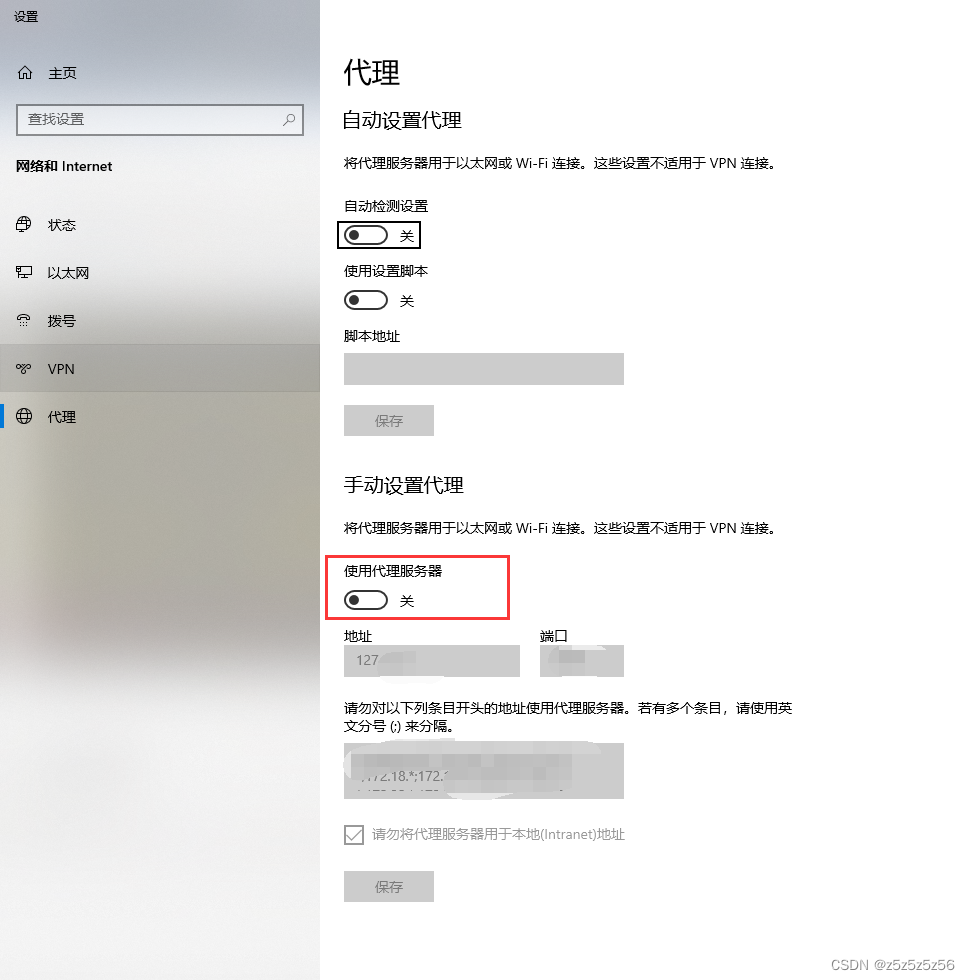
Turn off the proxy in Windows system settings
After that, pip will work normally and download packages successfully:
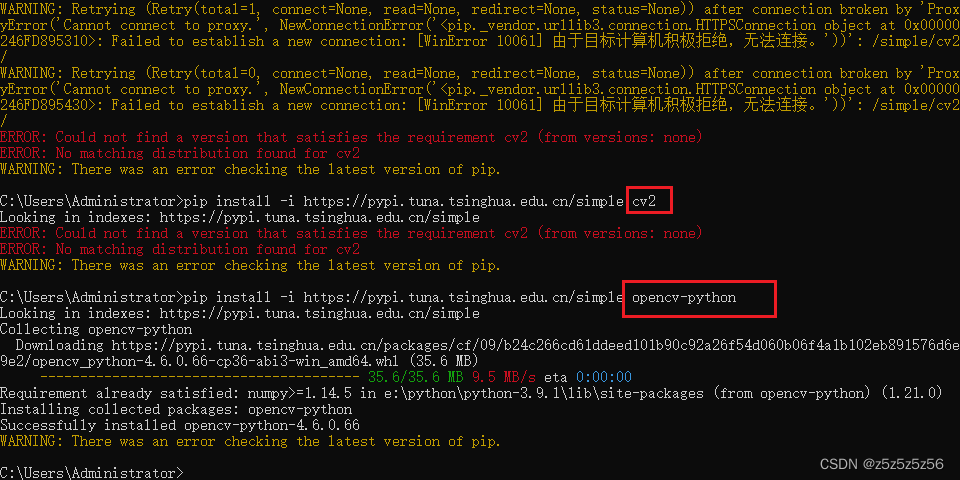
pip successfully downloads packages after disabling proxy